
Personalized Images
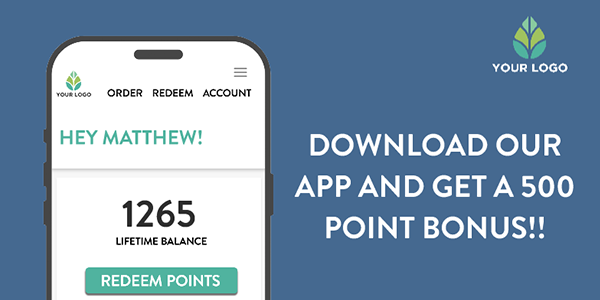
Getting Started with personalizing an image
- image file types accepted - .png, .jpeg, .gif (static only)
- size limitations - personalized image - 1000 x 1000 pixels max
WATCH THE VIDEOS
Where can I use this functionality:
All code snippets are essentially image tags you can place anywhere: in app, site landing page, email, etc.
Insert the code snippet into your source code just as you would an image tag
- Replace any MERGE_TAG areas with the tag needed to populate the data (a chart, for example)
Link your NiftyImage:
- Once you've completed the setup, you will choose the Create Link option below the code snippet to add your clickthru url.
Advanced Merge Tag Formatting Options:
1. Editing Within a Merge Tag Field
- Use multiple merge tags within a field to streamline and broaden the use of dynamic content.
- Rich text formatting of individual words or phrases within a Merge Tag Field.
2. Using Multiple Merge Tags within a Field
You can include multiple saved merge tags in the same image. Simply place each merge tag inside its own set of square brackets ( [ ] ), and NiftyImages will automatically add each one to your Image URL.
Example
Hello [name], you have [points] reward points.

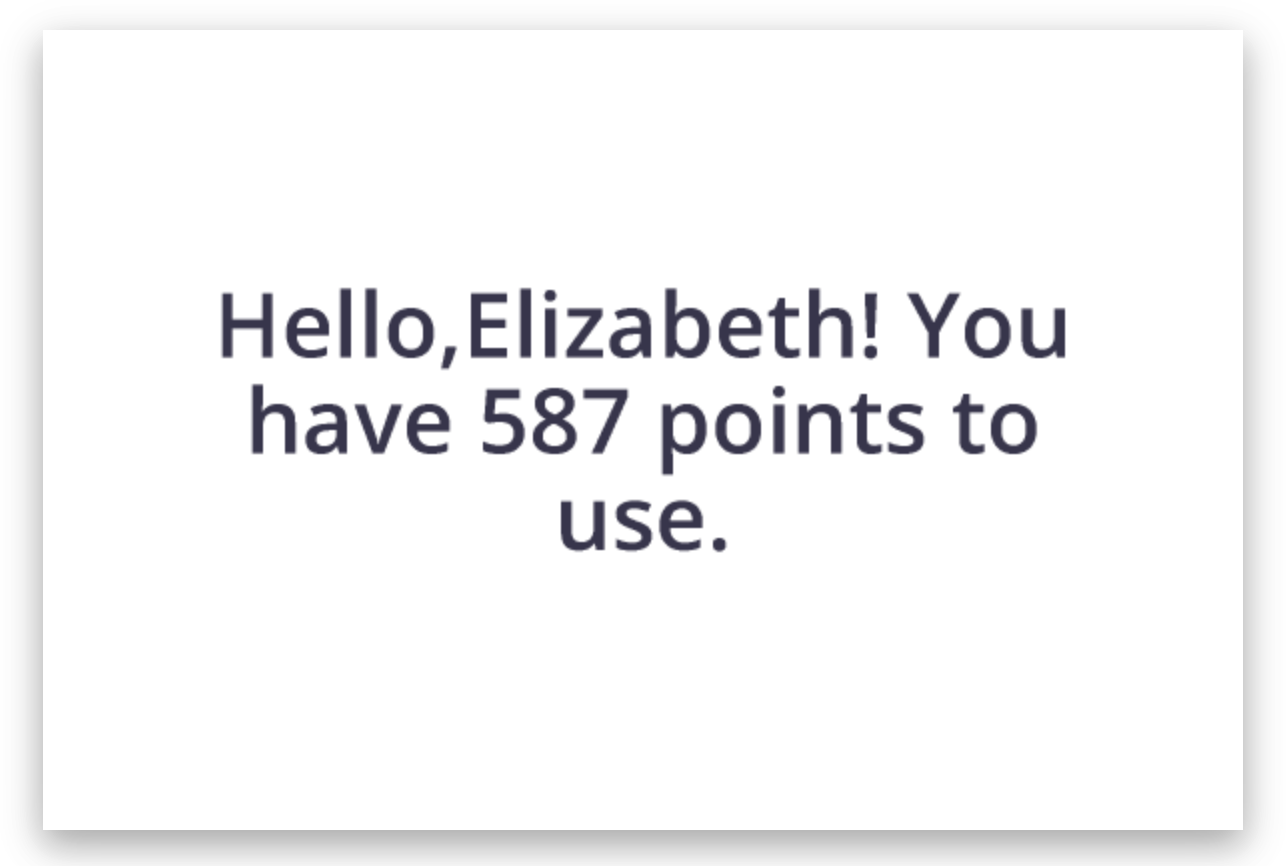
When generating the Image URL, both name and points will be included as merge tags, allowing each subscriber to see their personalized name and current reward point balance.
💡 Tip: There is no limit to how many merge tags you can use in a single text layer, making it easy to personalize messages with names, balances, dates, locations, coupon codes, and more.
3. Rich Text Formatting within Merge Tags
You can now include basic rich text formatting directly inside your merge tag values. This allows you to dynamically style personalized text without creating multiple text layers.
The following formatting tags are supported:
Format | Syntax | Example |
|---|---|---|
Bold | <b>...</b> | <b>Matthew</b> |
Italic | <i>...</i> | <i>Matthew</i> |
<u>Underline</u> | <u>...</u> | <u>Matthew</u> |
Strikethrough | <s>...</s> | <s>Matthew</s> |
Font Size | <size=56>...</size> | <size=56>Matthew</size> |
Font Color | <color=#FF6600>...</color> | <color=#FF6600>Matthew</color> |
Combining Formatting
Formatting tags can be nested to create more advanced styling.
Examples:
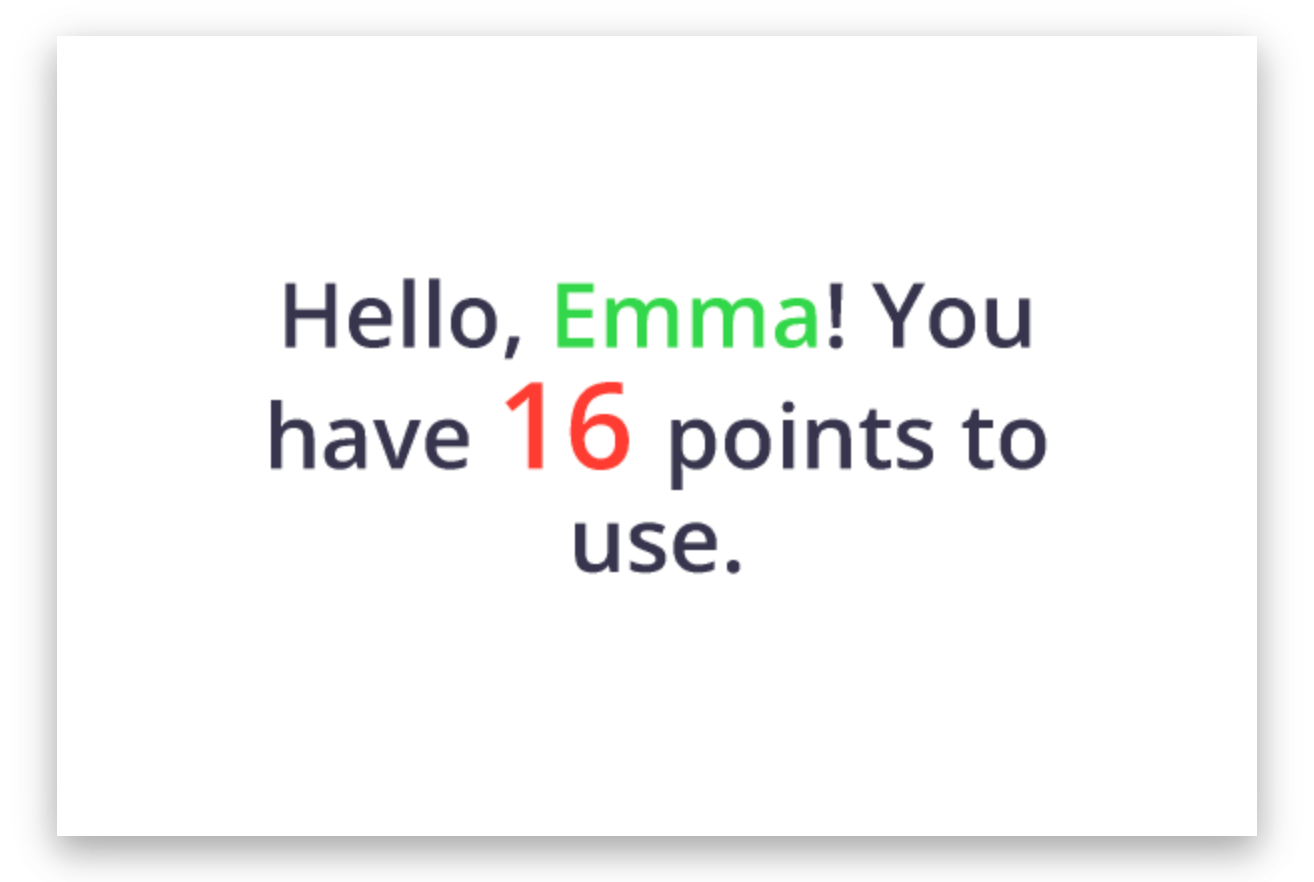
Hello, <b><color=#32d74b>[first]</color></b>! You have <b><size=60><color=#ff3b30>[loyaltypoints] </color></size></b>points to use.
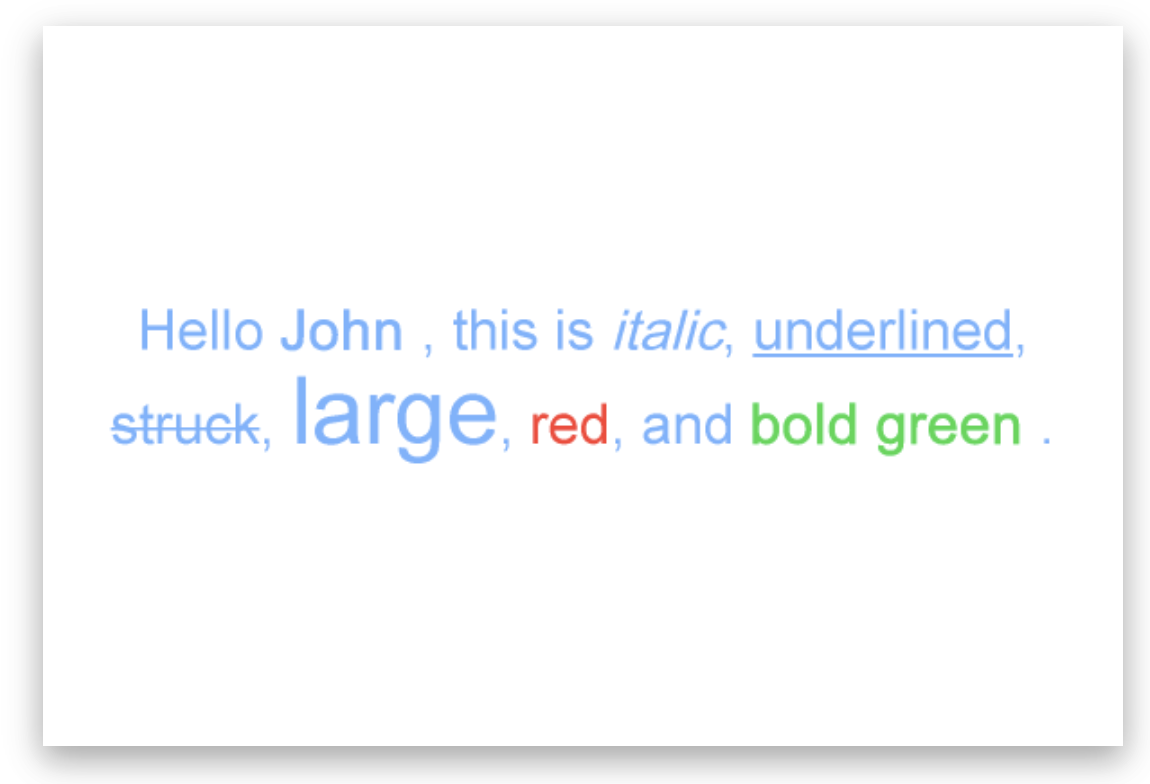
Hello <b>[FirstName]</b>, this is <i>italic</i>, <u>underlined</u>, <s>struck</s>, <size=52>large</size>, <color=#ff3b30>red</color>, and <b><color=#32d74b>bold green</color></b>.
This will render as:
Additional info and options:
- Formatting tags can be used anywhere within merge tag values.
- Tags may be nested (for example, bold + color + size).
- Color values must be specified using hexadecimal color codes (for example #FF6600).
- Font sizes are specified in pixels using the size tag (for example size=56).
4. Shrink to Fit Text
When personalization values vary in length, they can sometimes exceed the available space in your image. Enable Shrink to Fit to automatically reduce the font size until the entire value fits within the text box.
This is ideal for names, locations, product titles, and other merge tags where the text length is unpredictable. Instead of overflowing or being cut off, the text will scale down automatically while maintaining the original formatting and alignment.
Example:
- Emma → Displays at the original font size.
- Alexandria Montgomery → Automatically shrinks to fit the same text area without overflowing.
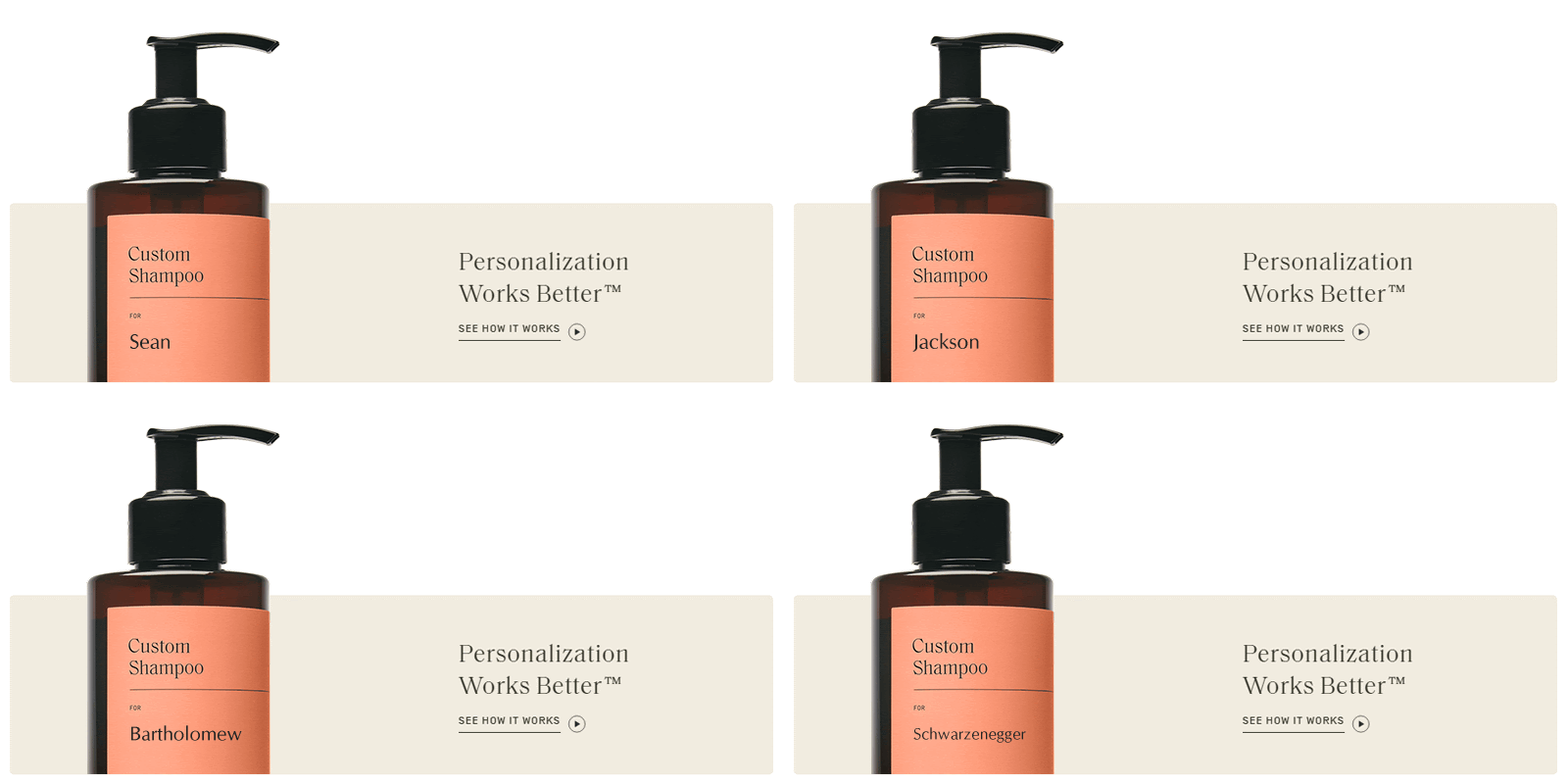
💡 Tip: Shrink to Fit works best when paired with merge tags that can vary significantly in length, helping ensure every personalized image looks clean and professional regardless of the subscriber's data.
5. Base64 Encoded Merge Tags
If you prefer to hide subscriber data in your image URLs, you can now use Base64 to encode any merge tag before it is inserted into the URL. This helps mask values such as names, email addresses, or other subscriber information while still allowing NiftyImages to decode and display the correct content.
To enable this, simply select Base64 from the Encoding dropdown when configuring a merge tag.
Example:
Instead of: https://img1.niftyimages.com/.../?name=*|FNAME|*
The merge tag value is encoded before being sent:
https://img1.niftyimages.com/.../?name=R2lhbm5p
NiftyImages automatically decodes the value when rendering the image, so no additional configuration is required.
💡 Note: Base64 encoding masks the value in the URL for readability and compatibility, but it is not encryption and should not be considered a security feature.




